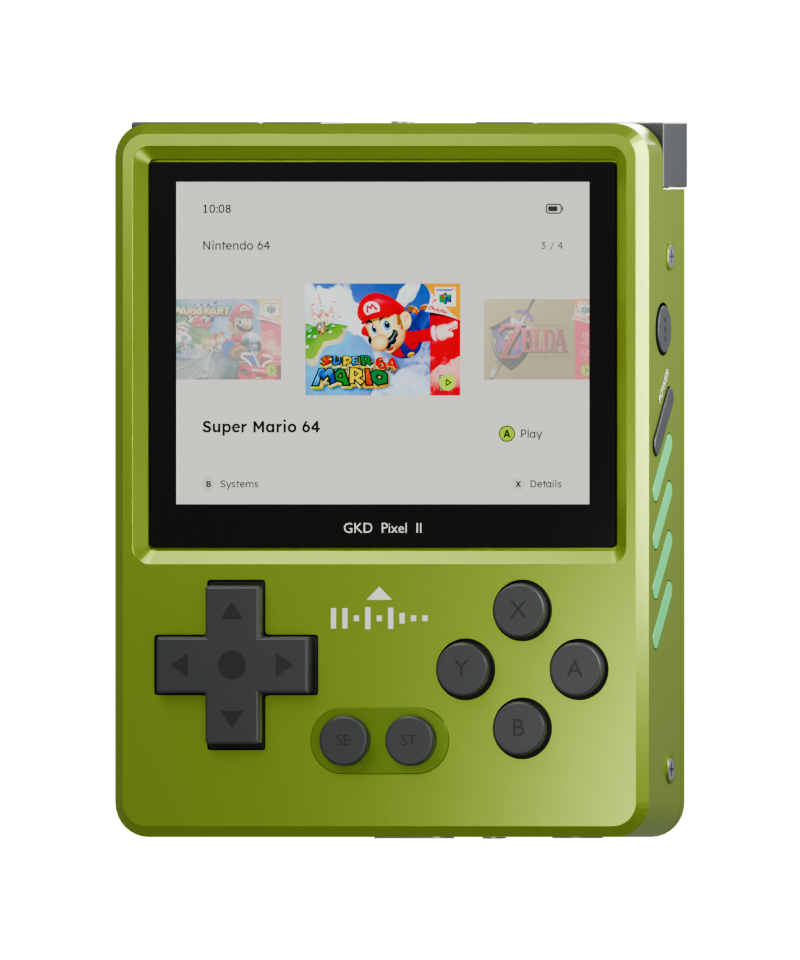
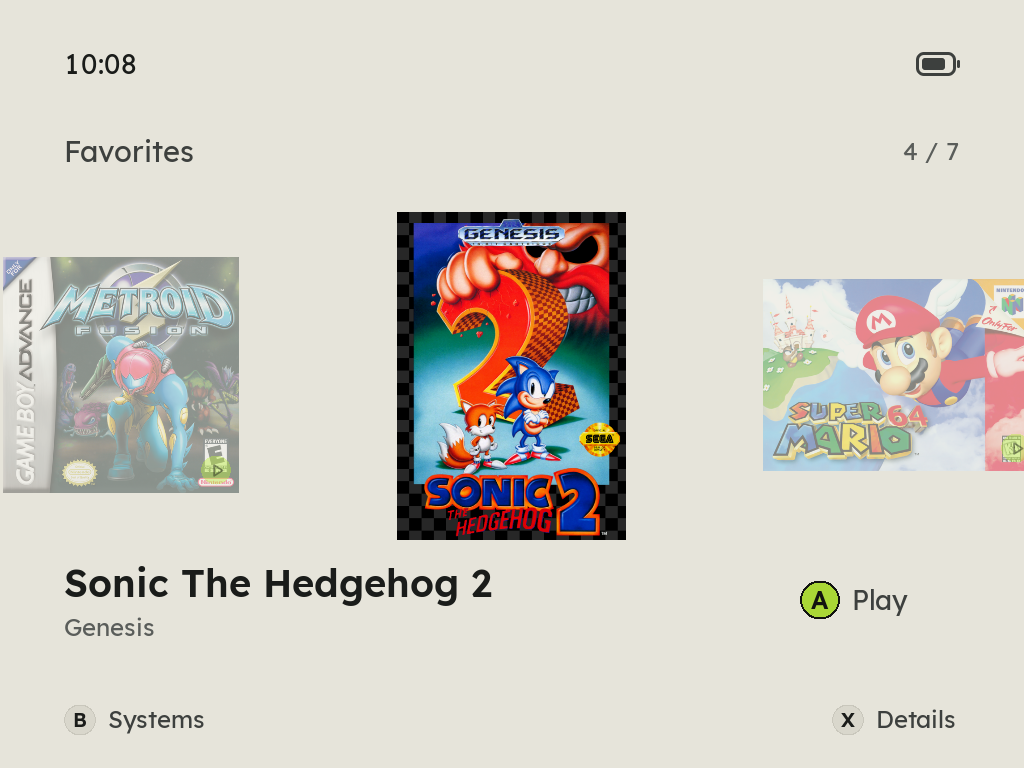
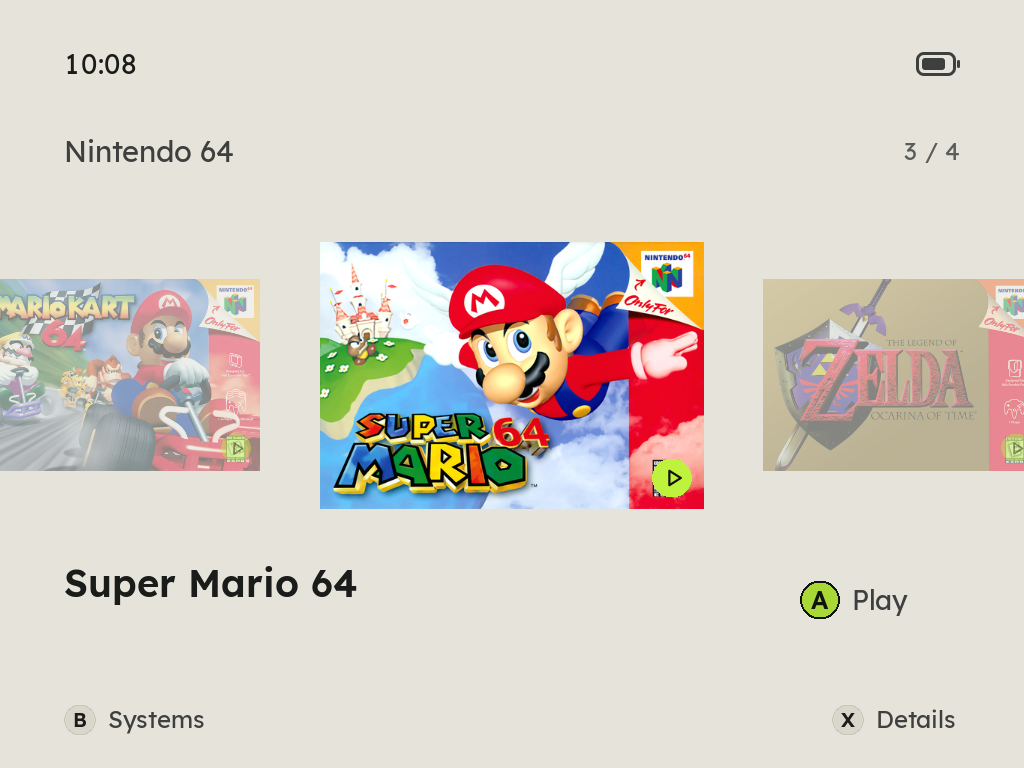
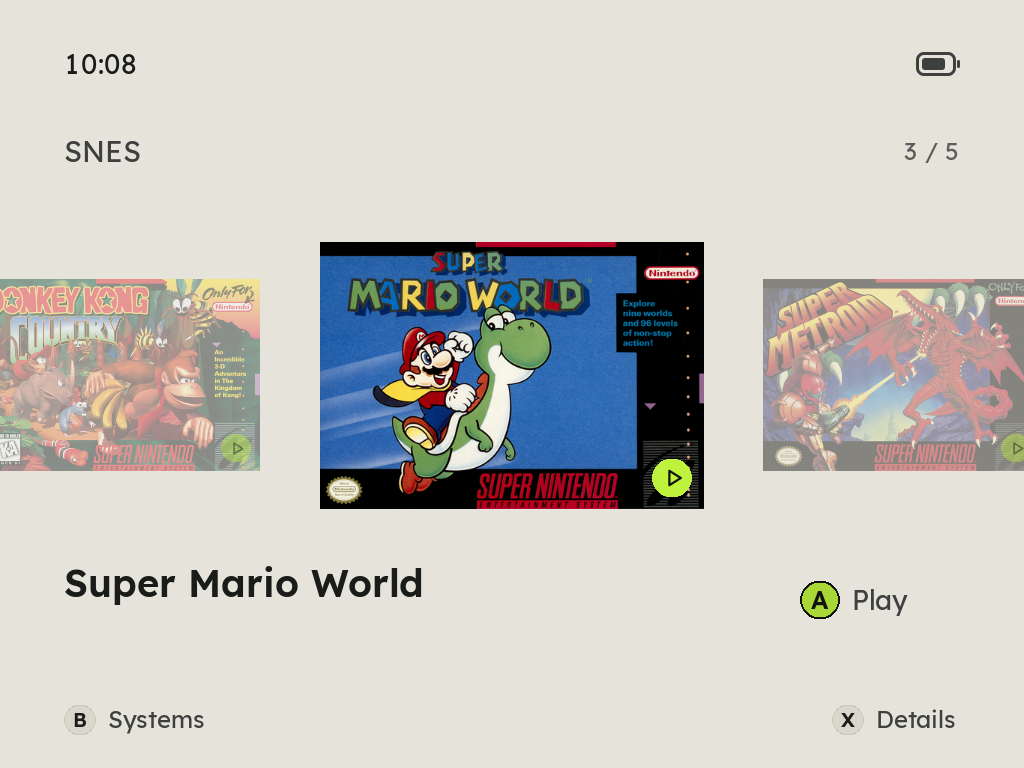
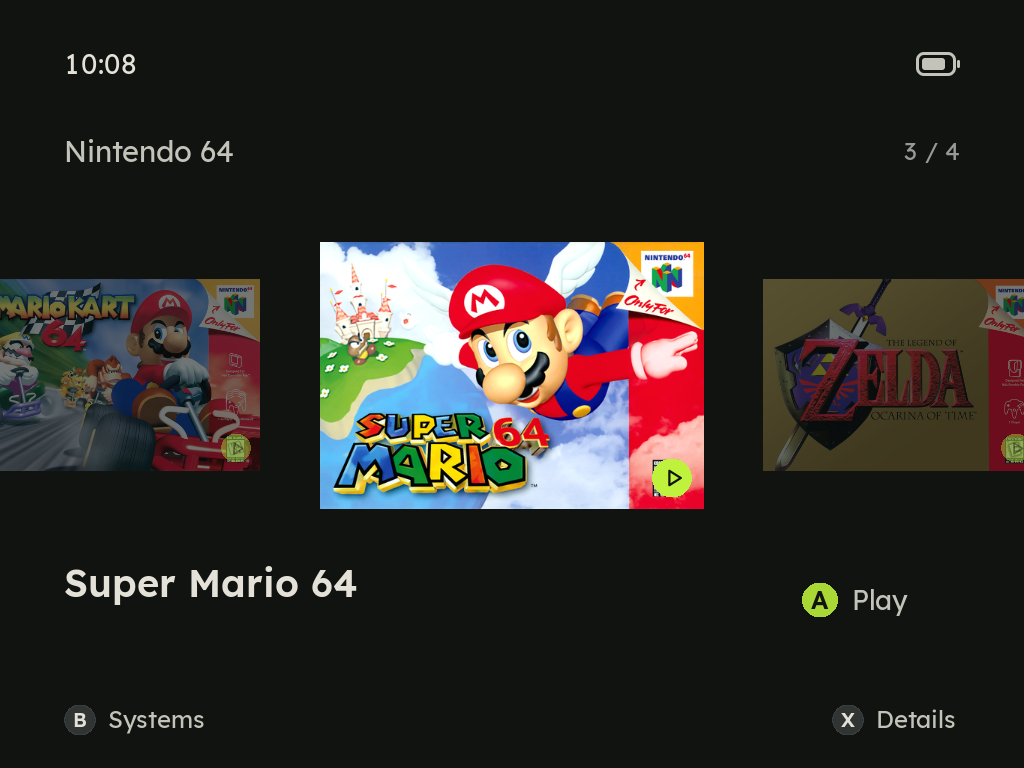
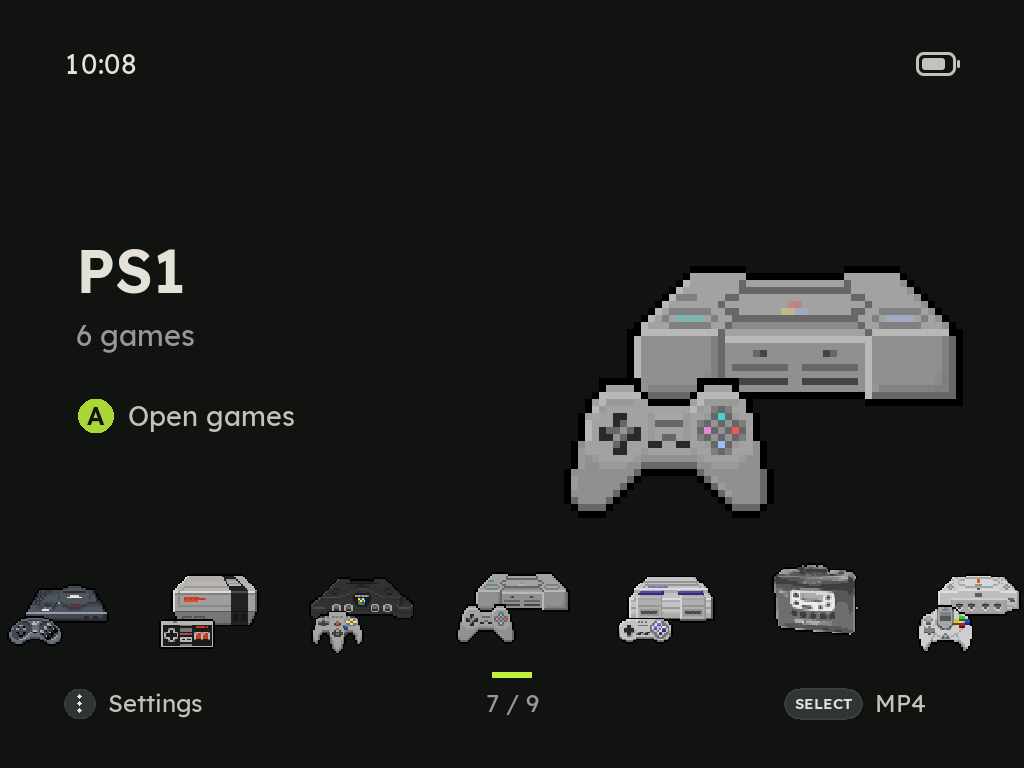
Starts the moment you press A
The emulator stays running, so a game is up as soon as you choose it. A picks up where you left it, and Y starts it from the start.
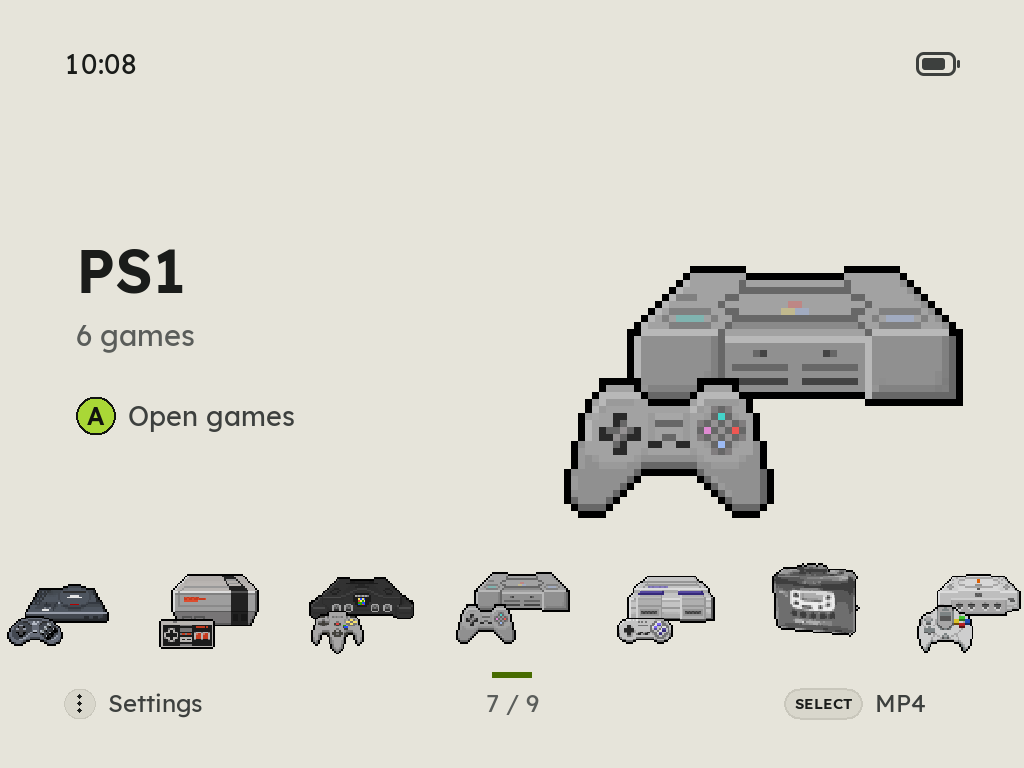
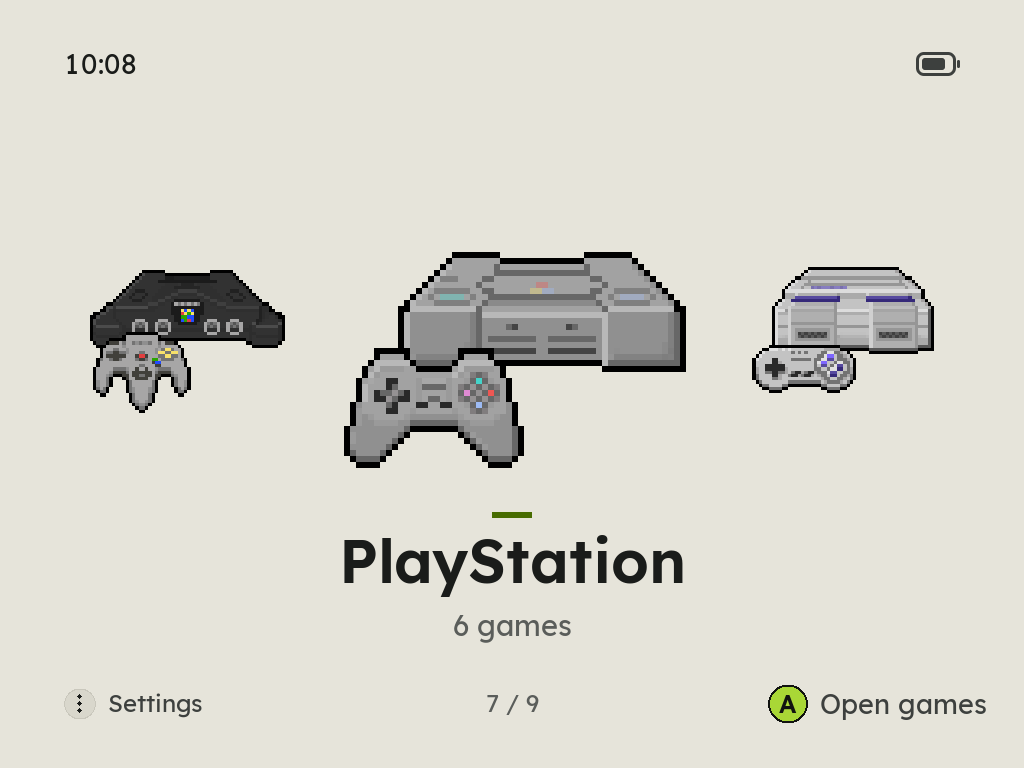
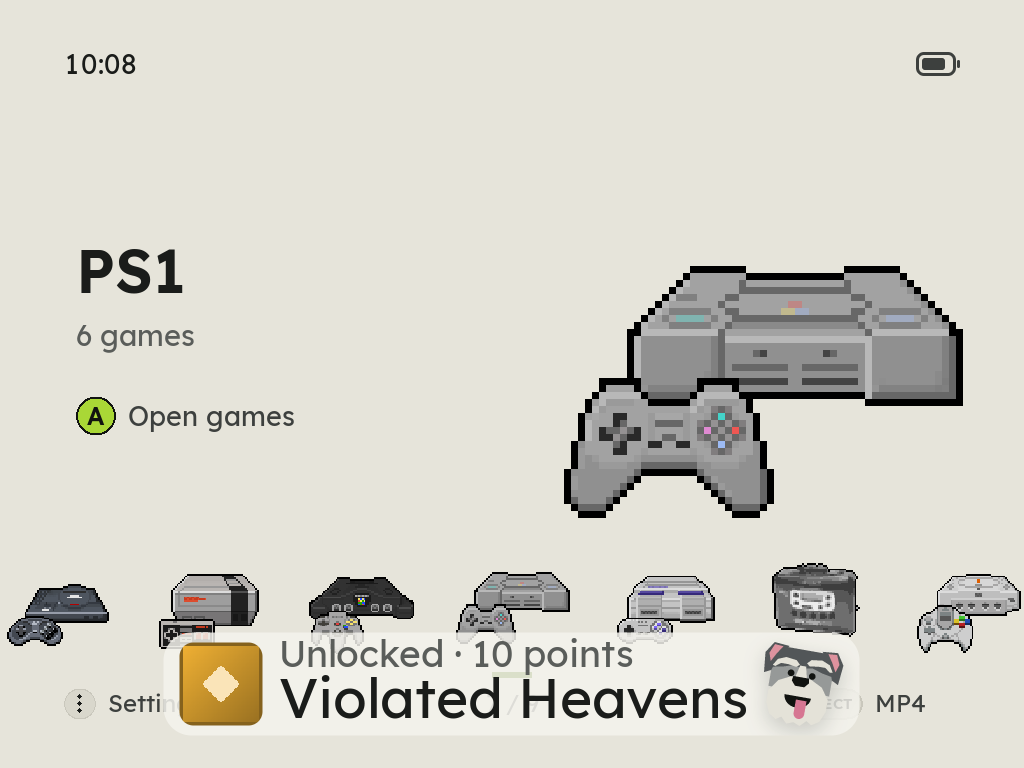
Every system in pixel art
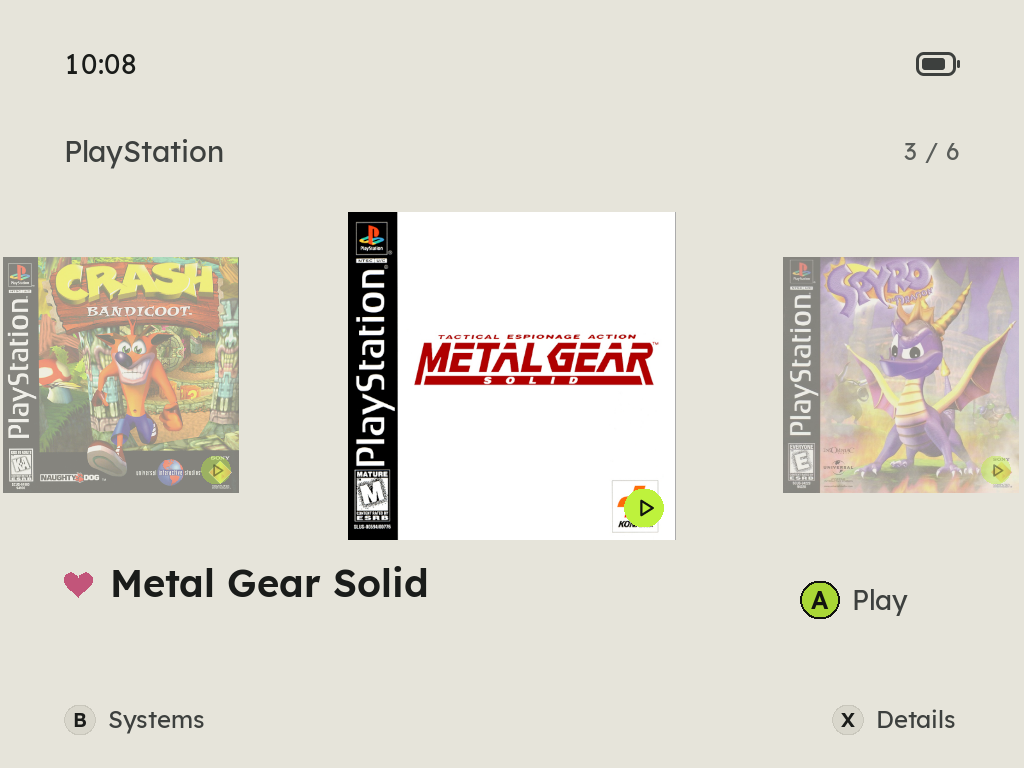
Animated consoles on a Spotlight or Gallery home, A to Z or by release date, and your games as a row of covers, a heart before each favorite's name.
Eight languages
English, 简体中文, Español, Português (Brasil), Français, Deutsch, 日本語 and Italiano, from the menus and the in-game menu to the charging screen, the boot screen and the File Transfer page. Pick one on the first start or in MENU > Language.
A first start that asks
Zyper says hello in each language until you pick yours, teaches each button and shows where it is on the Pixel 2, then asks for the theme, the home screen, the button sounds and the menu music.
No games yet? It shows how
An empty card opens on the two ways to add games, USB or Wi-Fi, one button each. Zyper cheers when they arrive.
Box art it finds itself
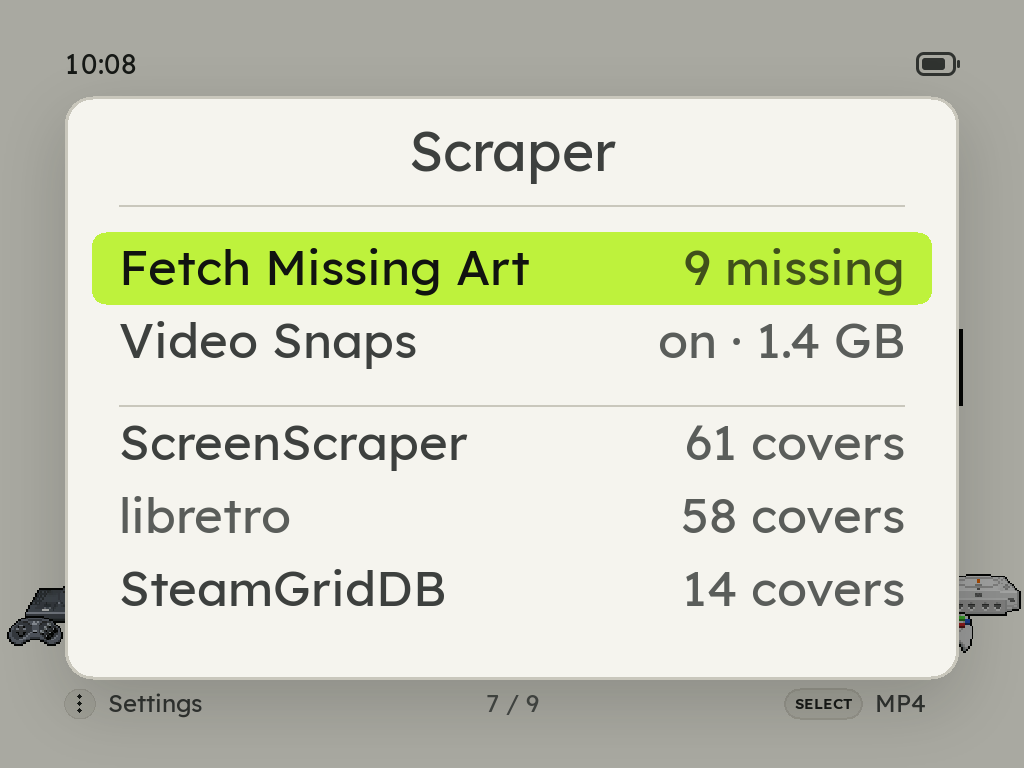
MENU > Scraper asks libretro with no account, ScreenScraper with a free one in builds that carry its developer pair, and SteamGridDB with your own key. Renamed ROMs match by checksum.
Pick a game's cover
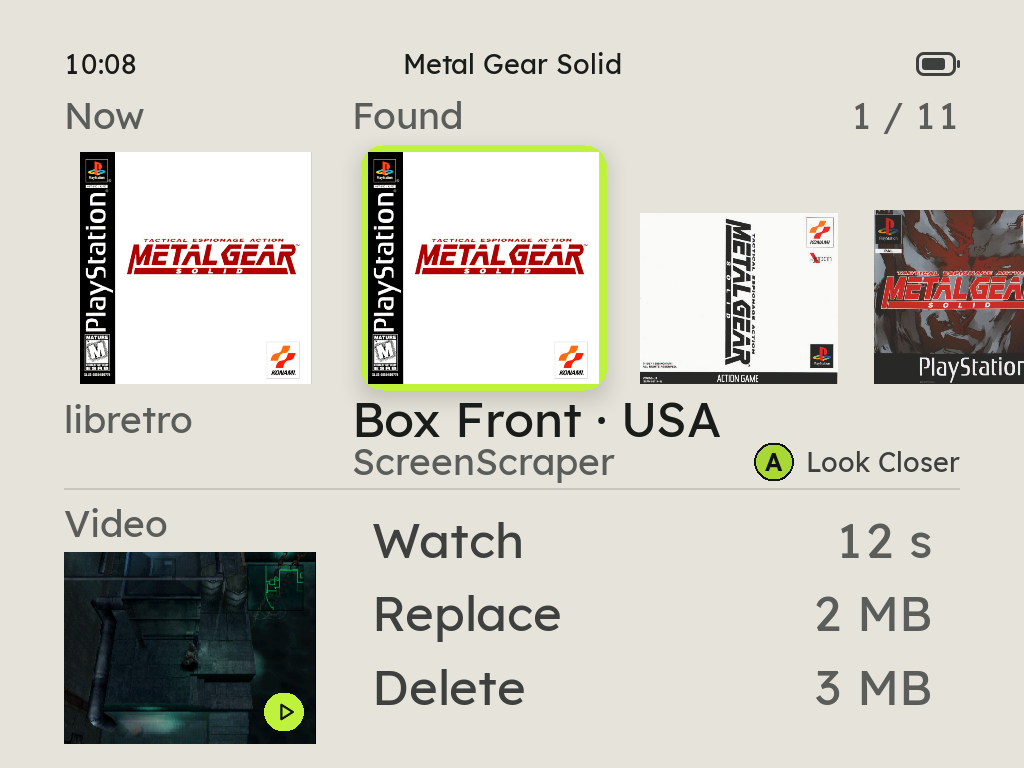
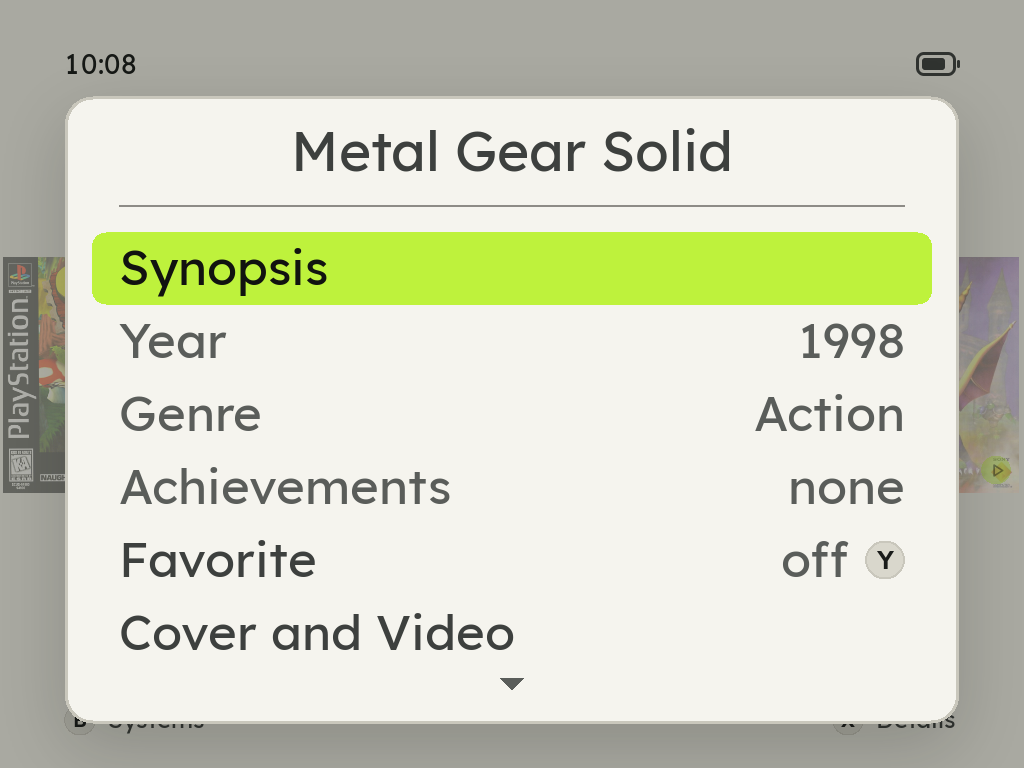
X on a game, then Cover and Video: every box, 3D box, title screen and screenshot the three sources offer, named with where it comes from. A shows it big first, and the cover it replaces is kept to put back. Its video snap is there too, to watch, download, replace or delete.
Video snaps
Rest on a game for a second and its cover turns into a few seconds of the game, from ScreenScraper. A play mark says which games have one.
Delete a game, and only that game
X on a game, then Delete Game: it asks first, then takes the game with its saves, states, cover and video, and the shelf moves on. A file another game still uses stays, and so does a BIOS set like neogeo.zip.
Storage, as a phone shows it
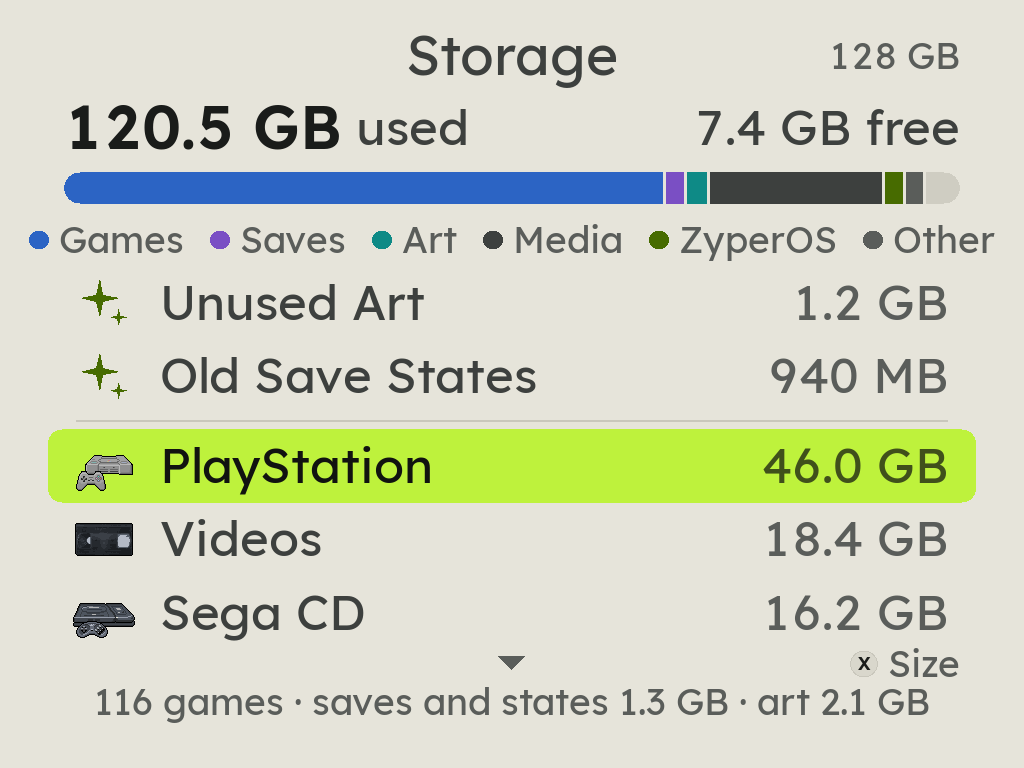
MENU > Storage shows what fills the card in one bar, then every system by size and each system's games largest first. Music, Videos and Audiobooks open their albums, films and books, and X sorts any list by size, A to Z or last played. It suggests what can go: art of games no longer there, and save states of games not played for a year.
Search and Random Game
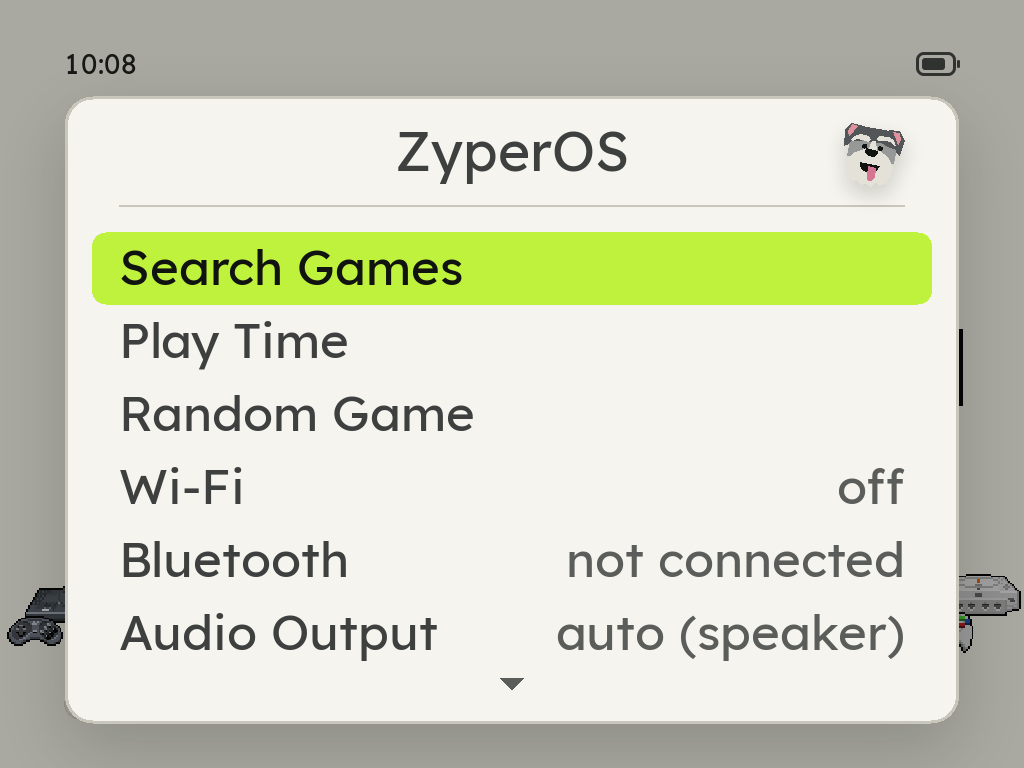
Find any game by a few letters of its name, or let ZyperOS pick one and start it.
RetroAchievements
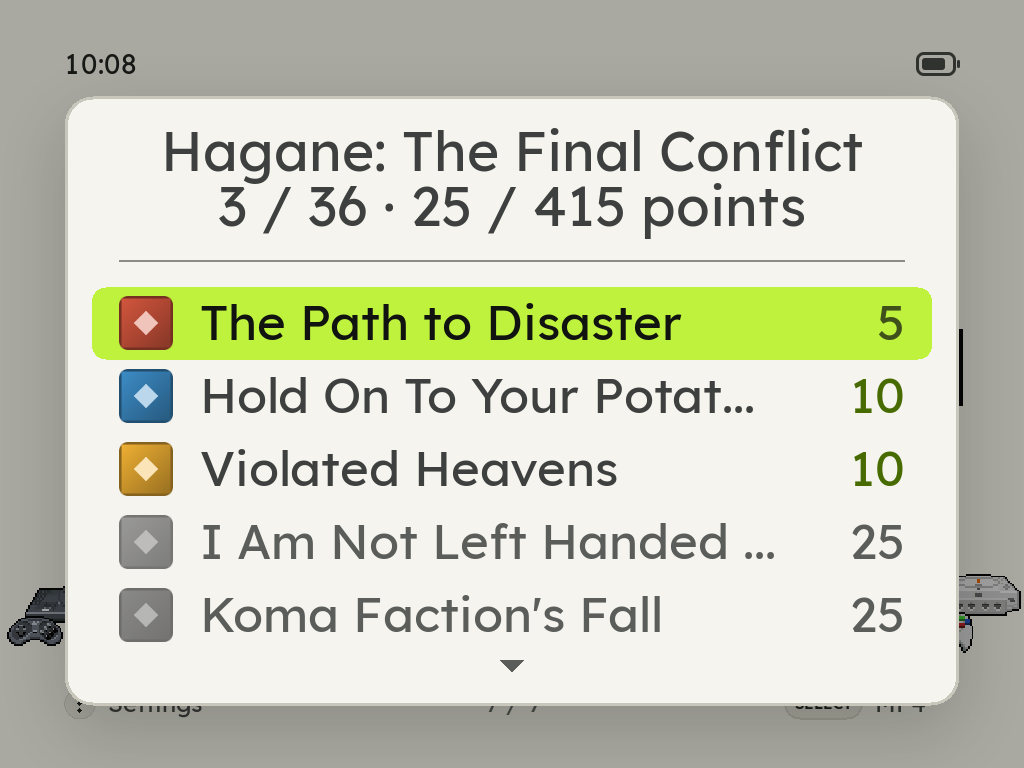
Sign in on the device, under MENU > Achievements. Achievements download once and then work offline, with each one's badge, a pop-up with Zyper when you unlock one, and progress counts.
Ports
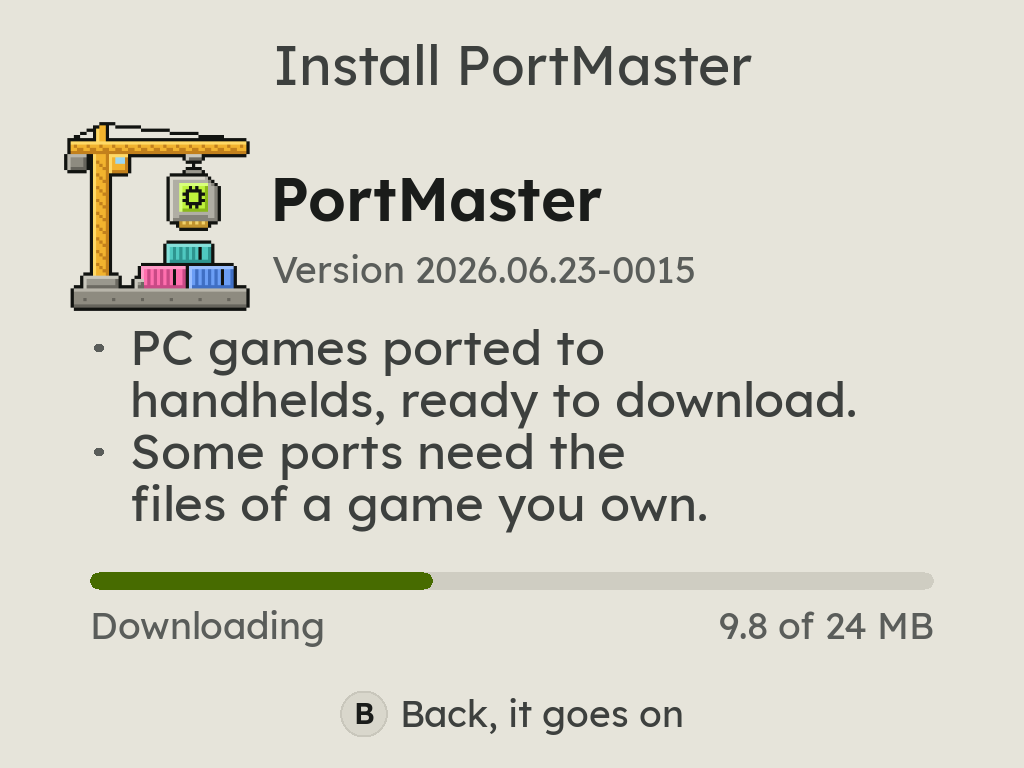
The Ports shelf installs the official PortMaster with one press, then runs its games, such as Stardew Valley and Celeste.
The in-game menu over every port
MENU pauses any port, and PortMaster itself, under the in-game menu: Continue, Controls and Quit. Controls lists what the port documents: its README's controls, the key each button types, and what to copy where before it runs.
OpenBOR, with the same menu
OpenBOR runs on its own rather than as a libretro core, and MENU still pauses it under the in-game menu, as it does every port: Continue, Controls and Quit, with the volume and brightness bars over the game.
Nintendo 64 at full speed
ParallelN64 with Glide64, as ROGUE OS ran it: Super Mario 64 and a Mario Kart 64 race hold their 30 frames a second, and the d-pad is the stick. Mupen64Plus-Next is the second choice, on the Core row.
Nintendo DS your way
DSperate with three screen layouts and a d-pad stylus. Mario Kart DS races at 60 frames a second, and Game Language picks the language it speaks, whatever your BIOS files were dumped from.
MP4
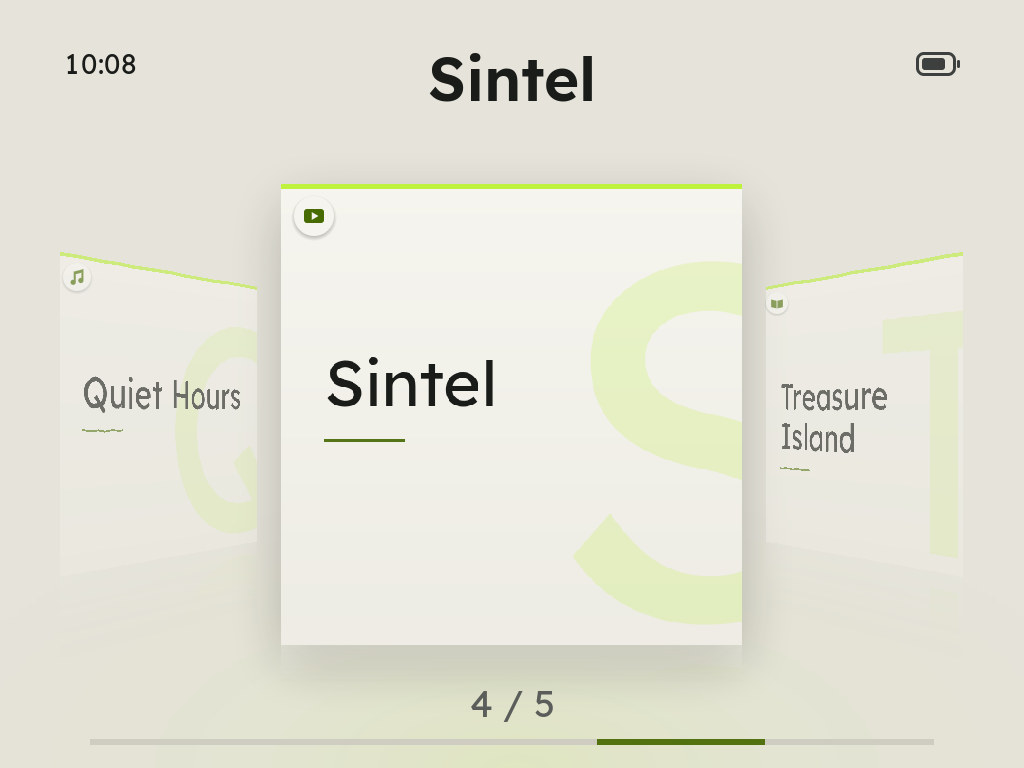
Music, audiobooks and videos on one shelf of their own covers, each marked album, book or video. SELECT opens it from anywhere, even in a game, and X or SELECT + START locks the screen.
Menu music
Ten free 8-bit tracks behind the menus, never over a game. Your own in Roms/BGM play instead.
Wi-Fi File Transfer
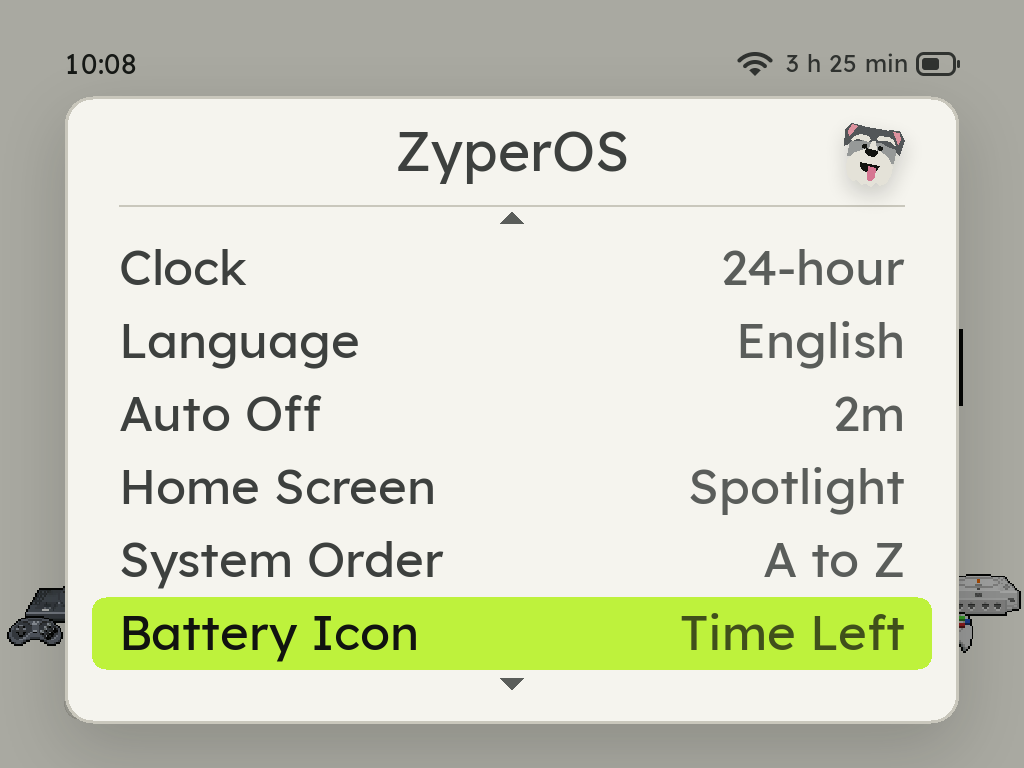
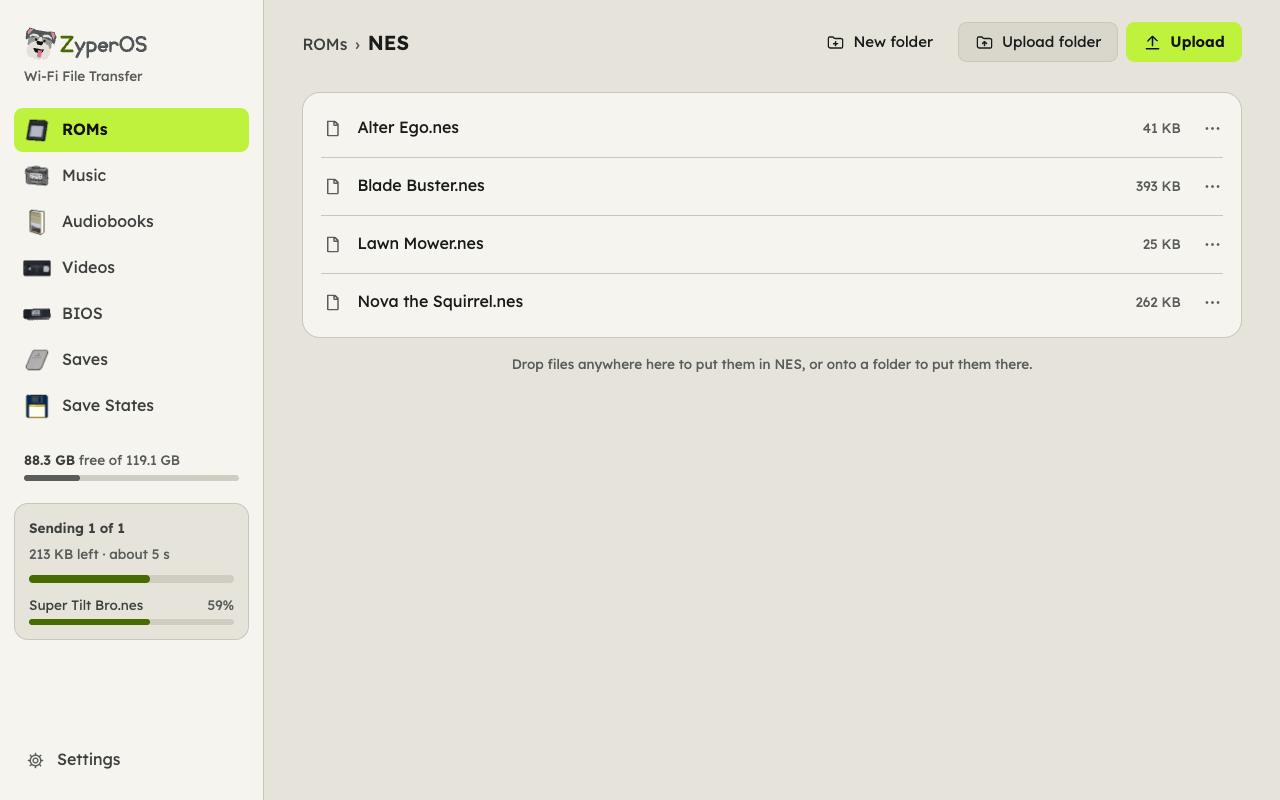
Move games, music and saves from any browser, behind a PIN. With no Wi-Fi around, the handheld makes its own network for your phone. It keeps going while you play, and shows the time left.
Battery care
A charge limit of 80, 85 or 90%, a charging screen while the handheld is off, and a warning before a low battery or heat gets in the way. The corner can show the time left at once, or the time to full on the cable, instead of the percentage, and says so when the charge is on hold or done.
USB that only charges
Plug in a computer and the Pixel 2 asks first: charge only, or open USB File Transfer. Developer Mode, hidden on About behind L2 + R2 held for five seconds, brings up SSH over the cable.
System Update
Over Wi-Fi, only what changed, signed, with Roll Back. Without Wi-Fi, the File Transfer page brings it over the USB cable.
Rumble and side lights
Dreamcast, PlayStation and Game Boy Color rumble games shake the Pixel 2. Its four side lights show the battery charging and running low, the volume and brightness as you change them, a climb when files or covers finish, and a sparkle for an achievement. MENU > Side Lights turns each on or off.
Clocks per system
8-bit and handheld systems run at lower clocks, measured to keep every frame, and the battery lasts longer.
Quick save, quick load
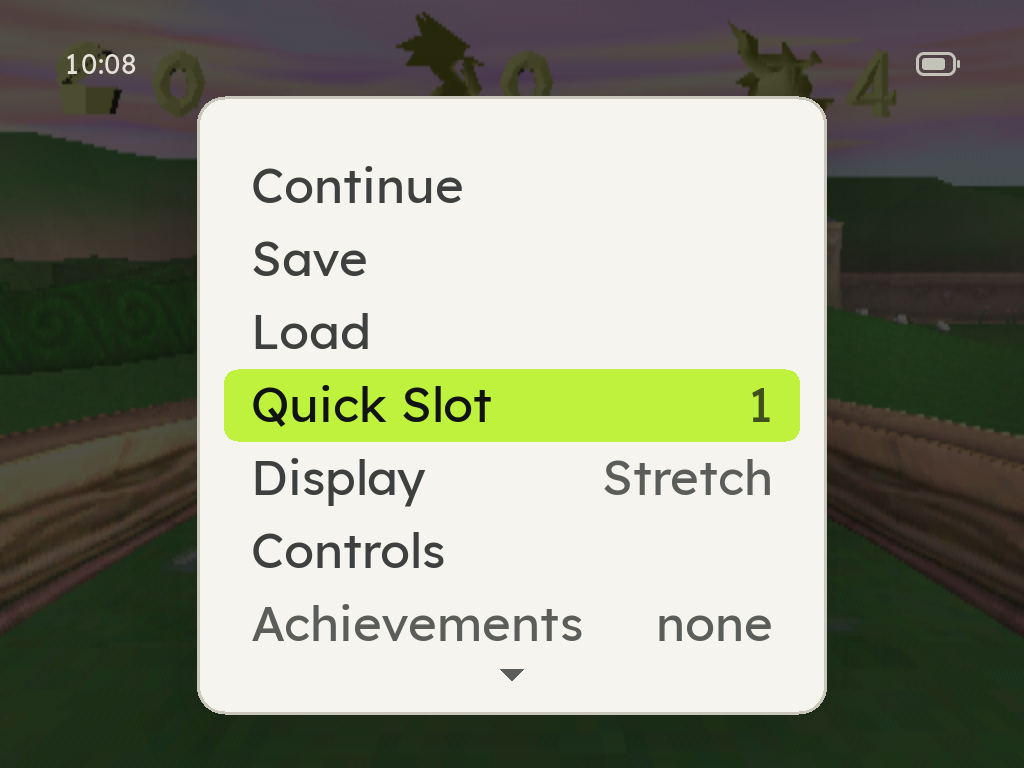
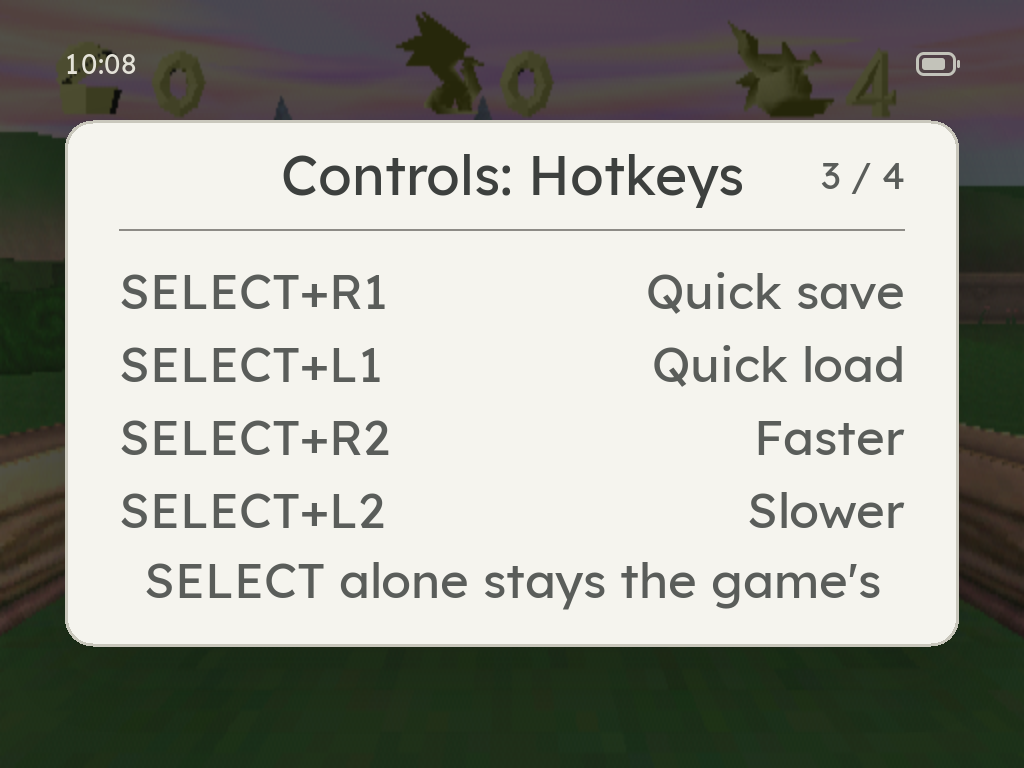
Hold SELECT and press R1 to save a state, L1 to load it, into the slot you pick for each system. SELECT on its own still belongs to the game.
Faster, slower, and turbo
SELECT + R2 runs a game at 1.5x, 2x or 3x, and SELECT + L2 steps back down. X and Y are turbo A and B.
A way out of anything
Hold MENU + START for a second and whatever runs ends, a stuck game or port included, and the home comes back. In the in-game menu, X quits from any row.
Every control, in the game
Controls in the in-game menu shows what each button does in that game, on its system: its own buttons, the PlayStation's as their shapes, turbo, the hotkeys, the N64's C buttons and the DS's stylus.